
Find your next “I want to try that.”
Browse public tricks and tricklists without an account. Pick a trick, take it to your next session, and put in the practice.
 DamaDex.
YOUR KENDAMA FIELD GUIDE
Find a trick. Put in the practice.
Build a collection of the things you can do.
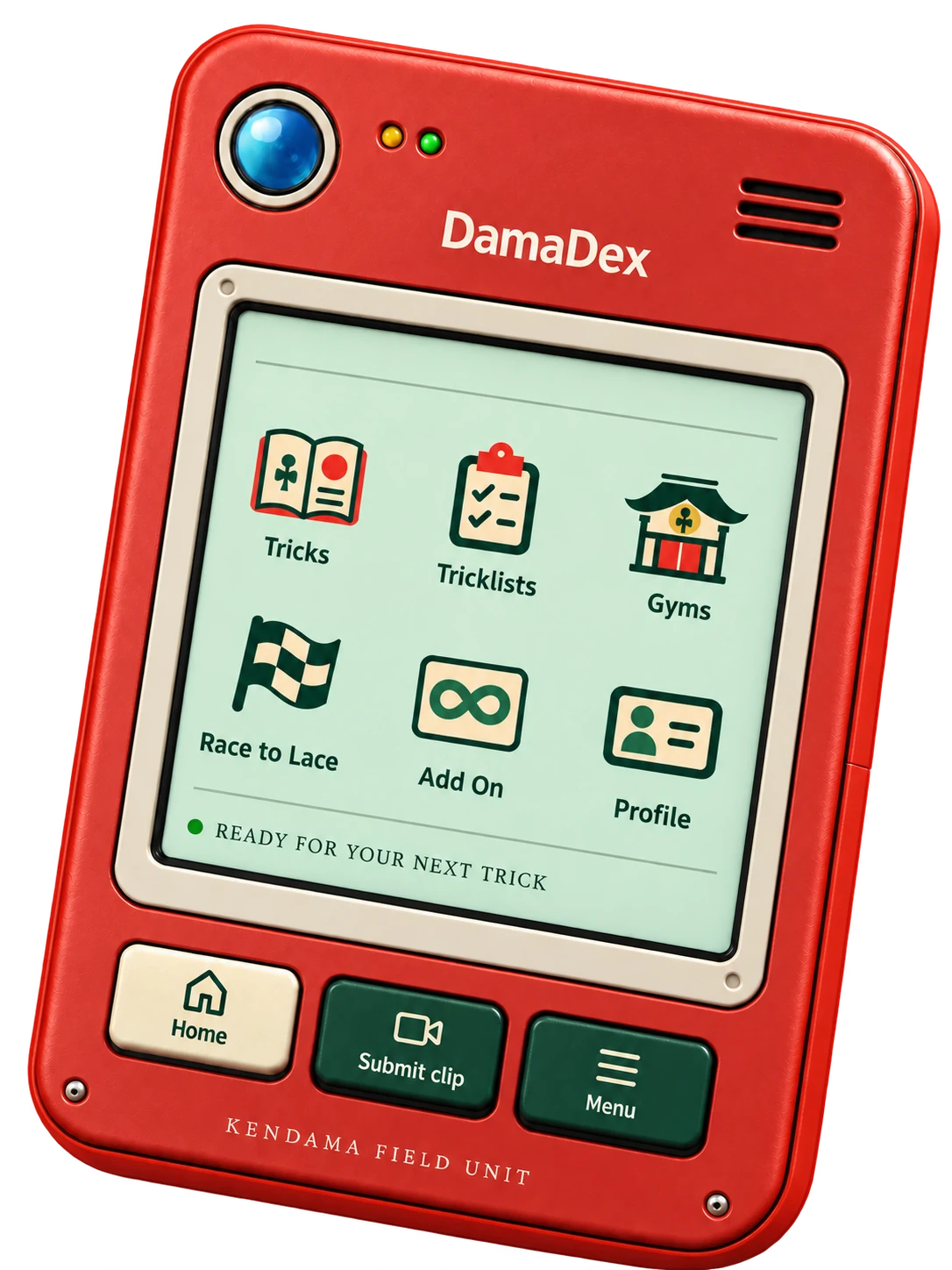
A LITTLE DEVICE.
A LOT TO DISCOVER.
Browse public tricks and tricklists without an account. Pick a trick, take it to your next session, and put in the practice.
Sign in to record or upload a clip and submit it for review. Approved completions join your collection on your profile.
Explore gyms and Race to Lace for your next challenge. Race to Lace uses in-app recording.
less scrolling.
more lacing.
THE WEB APP.
RIGHT ON YOUR HOME SCREEN.
DamaDex works in your browser. Add it to your home screen for quick access.
ON IPHONE OR IPAD · SAFARI
Can’t see the option? Check Apple’s instructions for your version.
ON ANDROID · CHROME
Wording varies by version; you may see “Add to Home screen.” See Google’s instructions .
ON YOUR COMPUTER · CHROME
Other browsers have different controls and availability. See Google’s desktop guide .
Browser person? You’re already set.
Installation is optional. Just open DamaDex.
Then it’s back to playing.
You can browse public tricks, tricklists and other public pages without signing in. Sign in when you want to submit clips and build your own progression.
You don’t need a long trick list to start. Explore the library, choose something that fits your practice, and take it one trick at a time.
Submitting a clip starts the review process. A completion is added to your progression once approved; a pending submission isn’t an approved completion.
No. You can use DamaDex in your browser. Adding it to your home screen is an optional shortcut to the web app, with installation options depending on your device and browser.
Plan to be online to browse current content, submit clips and receive reviews. Installing the PWA doesn’t make the full app or its media available offline.
YOUR KENDAMA. YOUR PACE.